audio hardware preferences
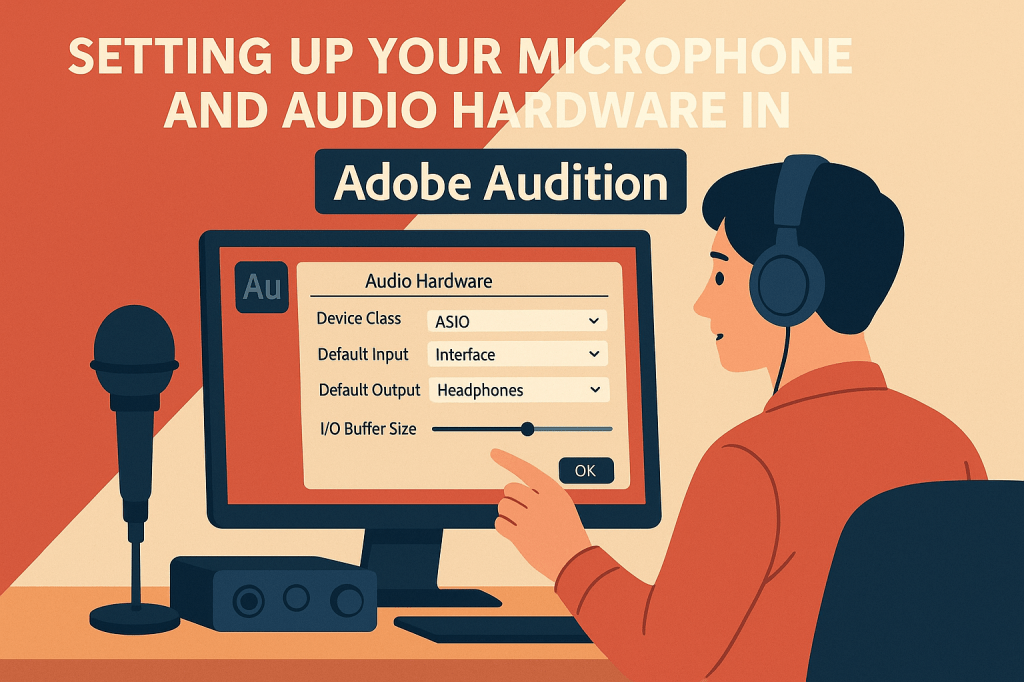
Audio hardware preferences in Adobe Audition let you configure input and output devices for optimal recording and playback performance. You can set buffer sizes, sample rates, and latency settings to match your system and workflow. Properly adjusting these preferences ensures clean audio capture without glitches or delays. It’s a key step in building a reliable and efficient production environment.
 AuditionPerfecto