Adobe Audition setup
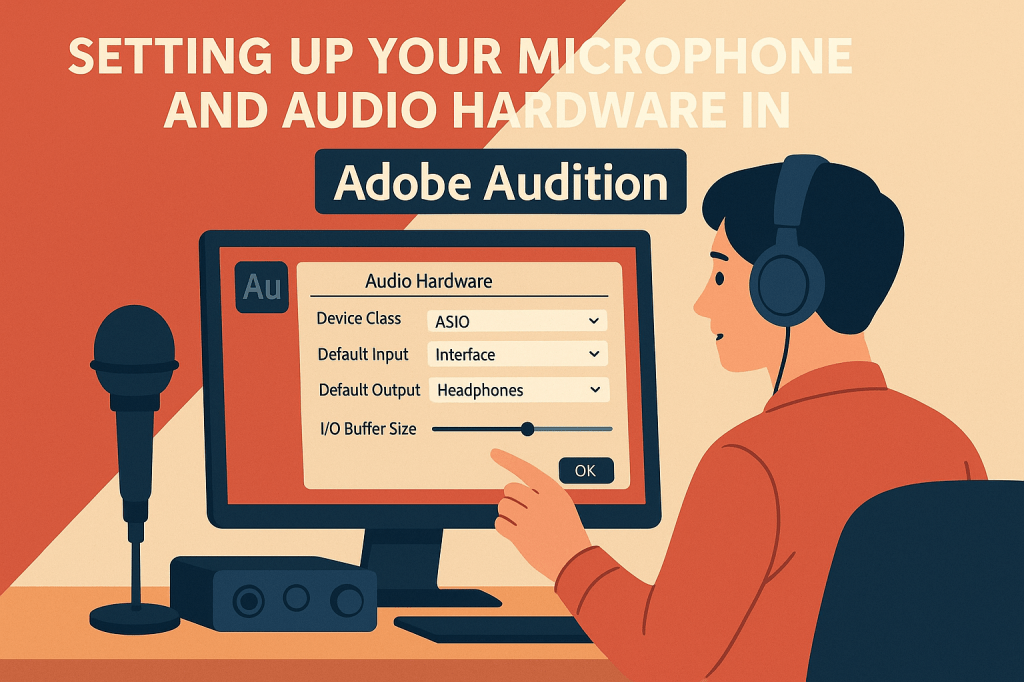
Adobe Audition setup involves configuring your audio hardware, workspace, and preferences to ensure smooth recording and editing performance. You can select input and output devices, set sample rates, and adjust latency for optimal results. Customizing your workspace layout and tool settings helps streamline your workflow. A proper setup guarantees that Audition runs efficiently and delivers professional-quality sound every time.

 AuditionPerfecto